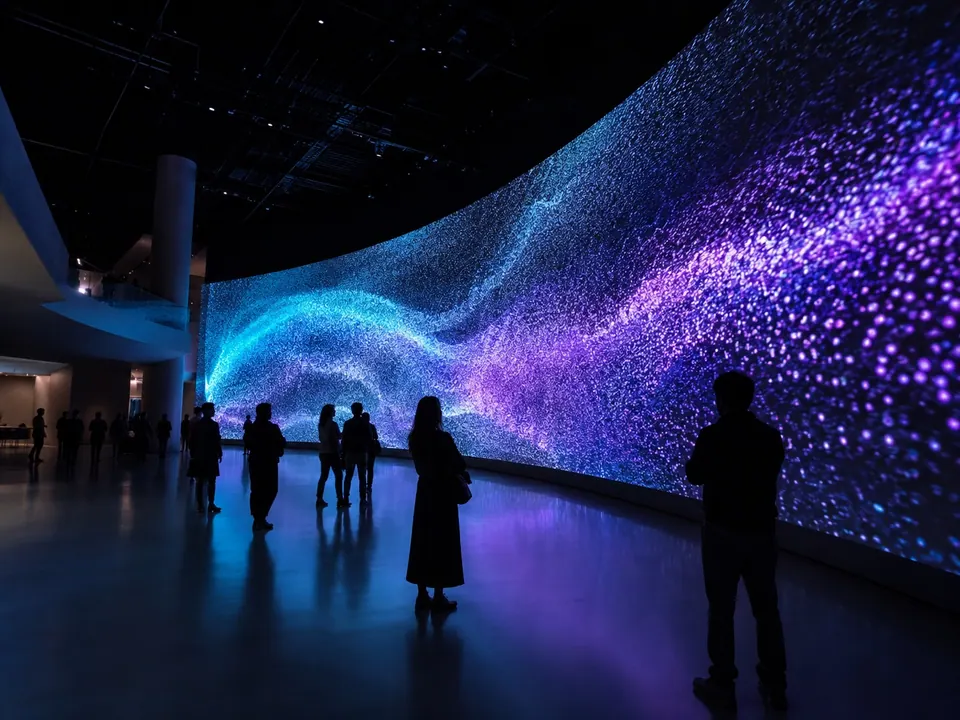
01 · Curved · Flow with the space
Curved
A screen that follows the curve of the space naturally. Concave or convex.

The difference between a company that fits the space to a standard cabinet, and one that designs the cabinet to the space.
Display Becomes Form.
LED displays no longer stay flat. Curved, corner, cylinder, sphere or arch: the screen is designed to follow the form of the space. Cabinet layout and support structure change with each form, so the form is fixed early in design.
A screen that follows the curve of the space naturally. Concave or convex.
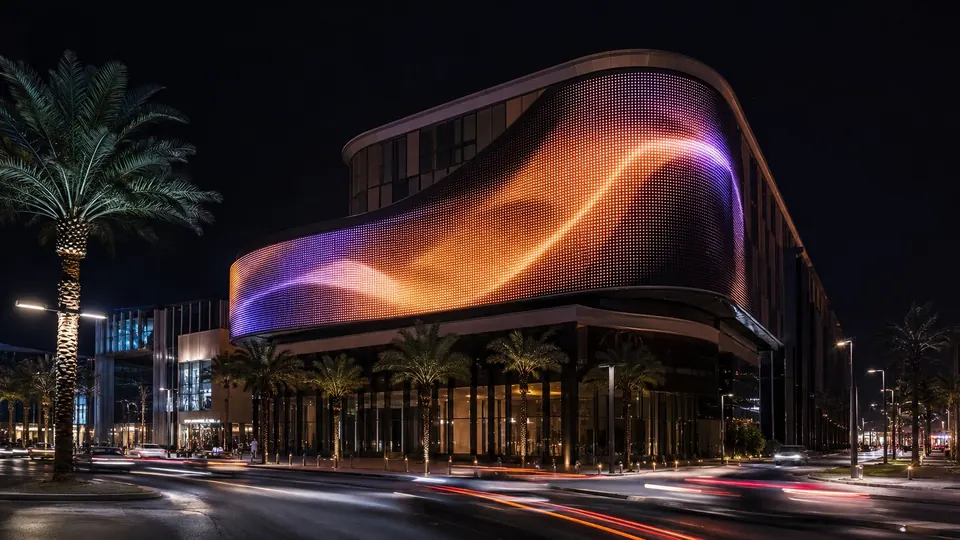
Content continues around the corner. Dedicated corner cabinets keep the pixel pitch continuous.

A 360° display experienced from every direction. Cabinet sizes designed to circumference, height and curvature.
A screen that flows with the lines of the building. Cabinets split by segment where the curvature changes.
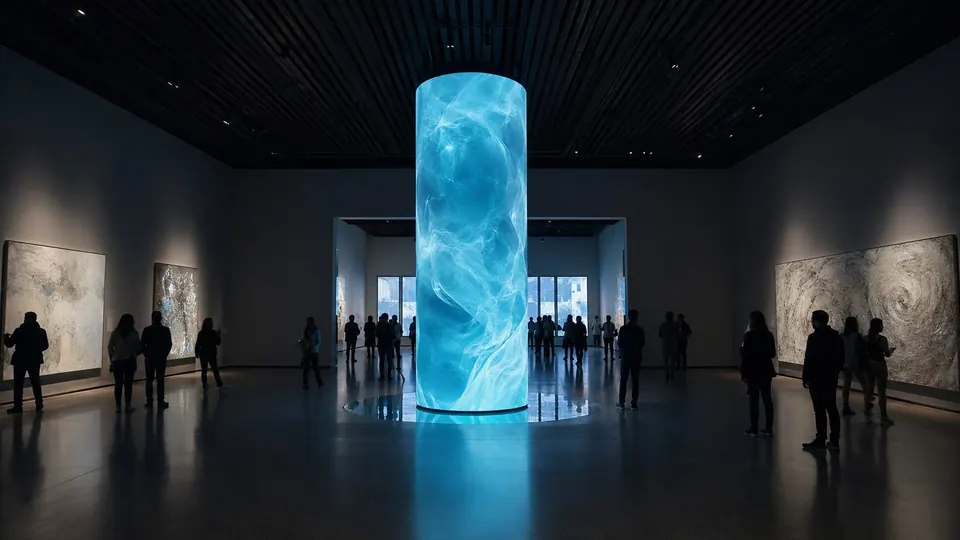
A cylindrical screen wrapping a column. Pitch chosen for circumference and viewing height.
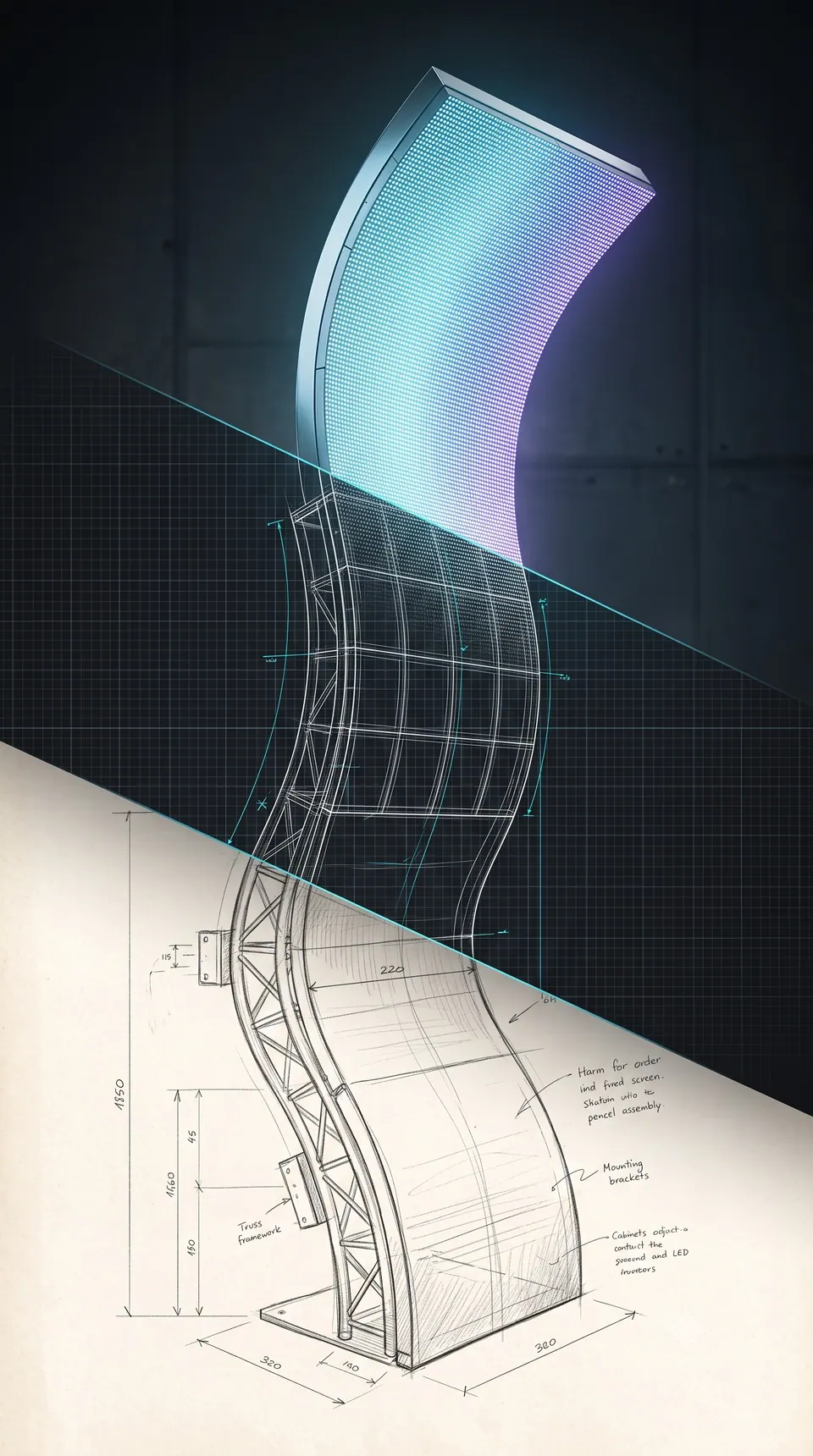
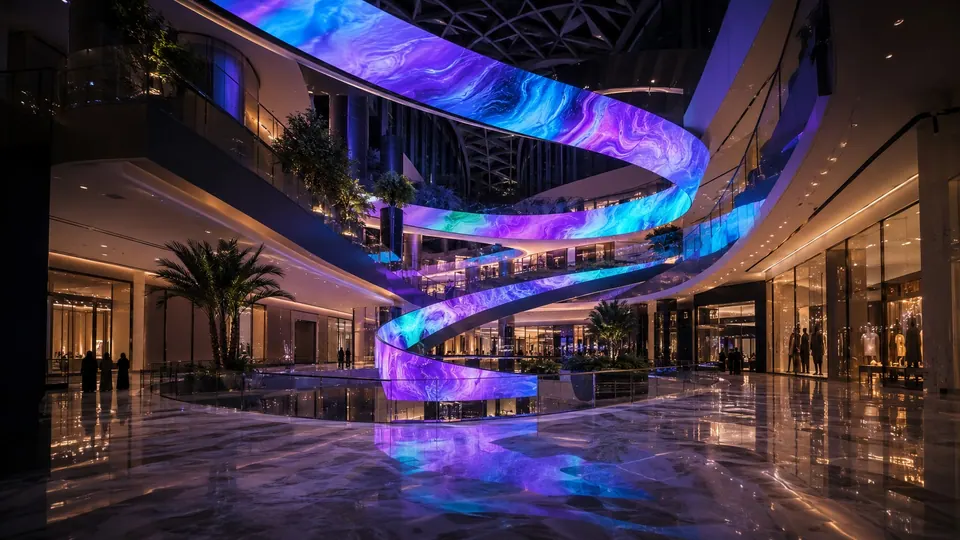
A ribbon screen climbing an atrium. Curvature and incline designed per segment.
As screens with the same pitch and brightness multiply, what sets a project apart is the form the screen takes. Form is decided at cabinet design and cannot be changed once production starts.
The screen is designed as part of the architecture. Starting from site measurements, form, segmentation and finish are fixed in drawings before production.
Site dimensions, structure positions and finish lines are confirmed. Architectural 3D data is used in the design when available.
Curvature, split lines, frame exposure and finish details are matched to the architectural drawings.
Distortion and brightness are reviewed per viewing angle along the main routes, and the pitch is fixed.
Cabinet layout, support structure, power and signal schematics and assembly drawings are finalised and become the production standard.
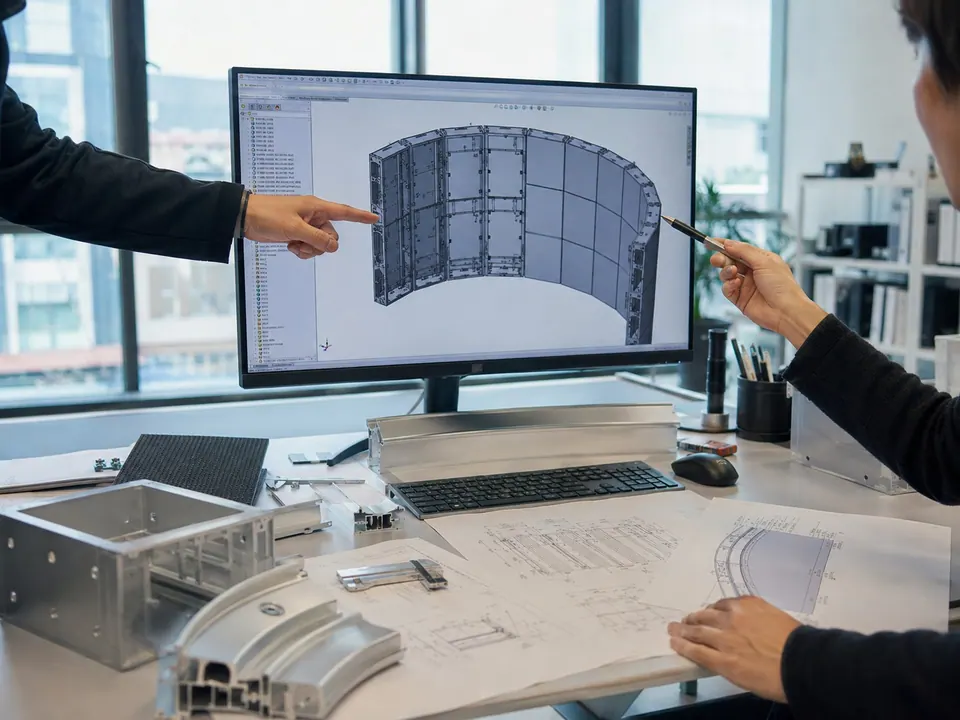 Structure Review
A new media layer over the space, with glass and daylight kept. Digital content on the existing glass, with its transparency intact.
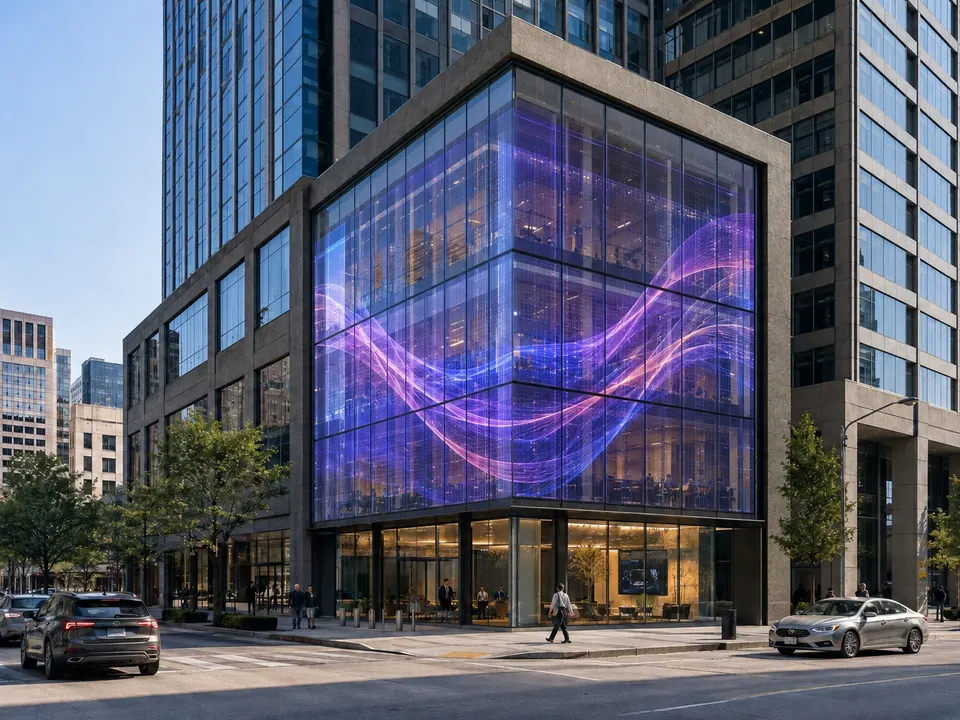 Corner Facade
The glass becomes a screen while its transparency stays. Installed without replacing the glass.
On the existing glass, no replacement needed.
 Railing · Bridge
On a freeform display the same video looks different. Mimolux designs mapping, distortion correction, content production and the playback system from the real form and pixel structure of the screen.

A pixel map built to the curvature and cabinet layout, with distortion-correction values set.
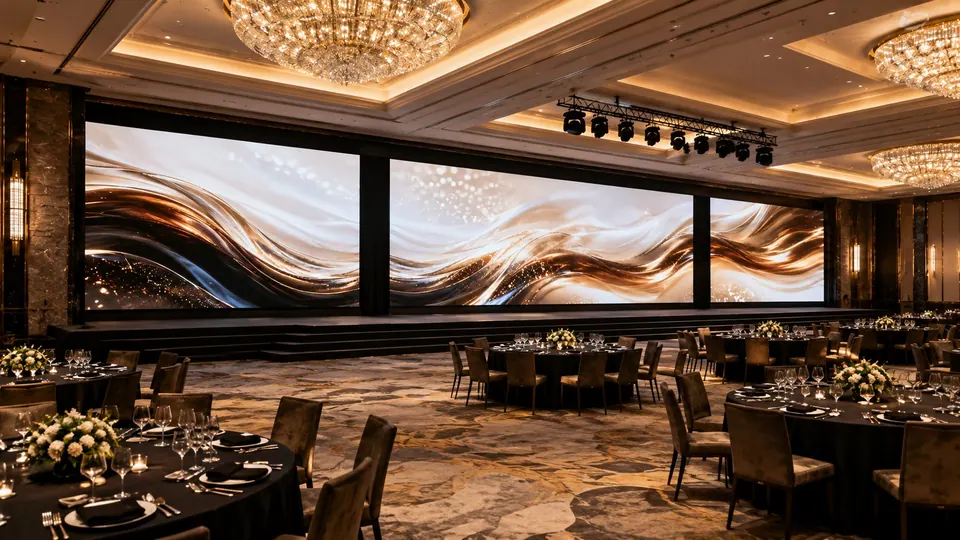
Screen-specific video or re-edited existing assets.
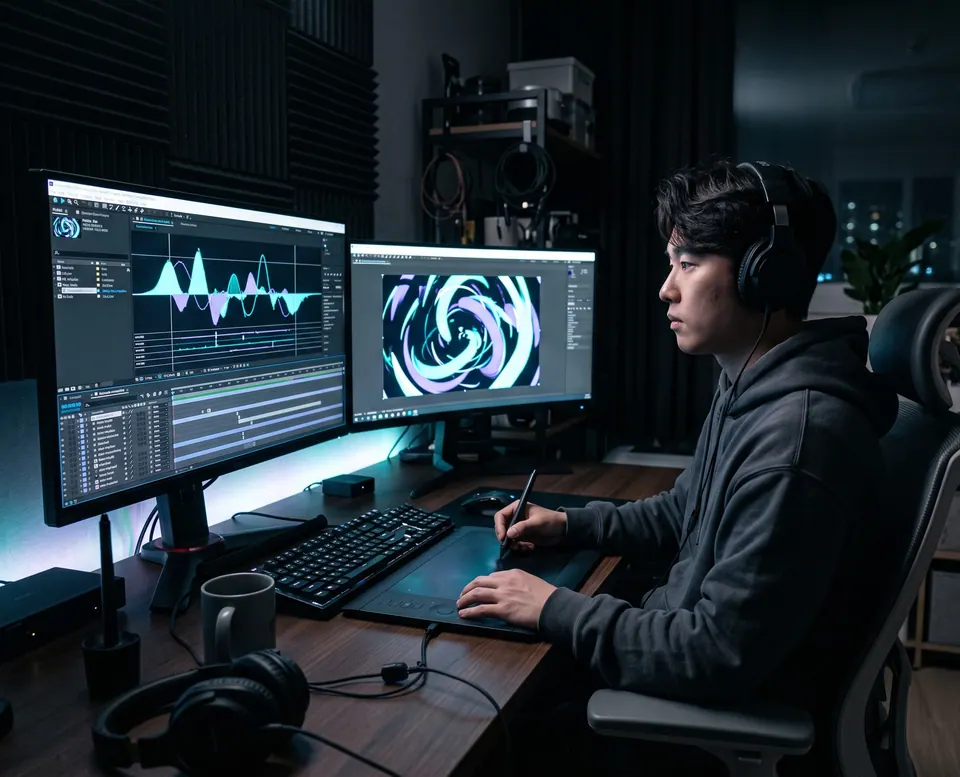
Playback — handover includes the playback system. Scheduling set up, operators trained.
Form mapping, distortion correction, always-on and informational content produced by Mimolux.
Project-specific content produced with media-art and motion-graphics studios.
Existing campaign video re-edited to the screen's dimensions and curvature.
No single production method fits every LED display. Mimolux selects verified specialist partners by product line and technical requirement. Mimolux sets the specification and inspection standards; partners provide the equipment and process capability.
Partners chosen on equipment, technical capability and delivery record.
Product specification, key components, cabinet tolerances and inspection standards defined.
Assembly, process and calibration checked during production.
Full inspection and final judgement. Nothing ships without approval.
| Process | Mimolux | Manufacturing partner |
|---|---|---|
| Material selection | LED, power supply and receiving-card grades specified | Procurement of specified materials |
| Cabinet fabrication | Design drawings and tolerance standards | Machining and fabrication |
| Module assembly | Production standards | Assembly |
| Full assembly | Pre-assembly inspection | Assembly and wiring |
| Inspection · calibration | Inspection standards and final judgement | Measurement and correction |
| Shipment | Shipment approval | Packing and loading |
Every system goes through light-up, burn-in, calibration and pixel inspection before shipment. Measurements are recorded per project so re-orders are produced to the same standard.
 Calibration
A display project is complete not when the product ships, but when the intended screen is realised on site. Pre-assembly, system validation, installation support and final light-up are managed as one project.
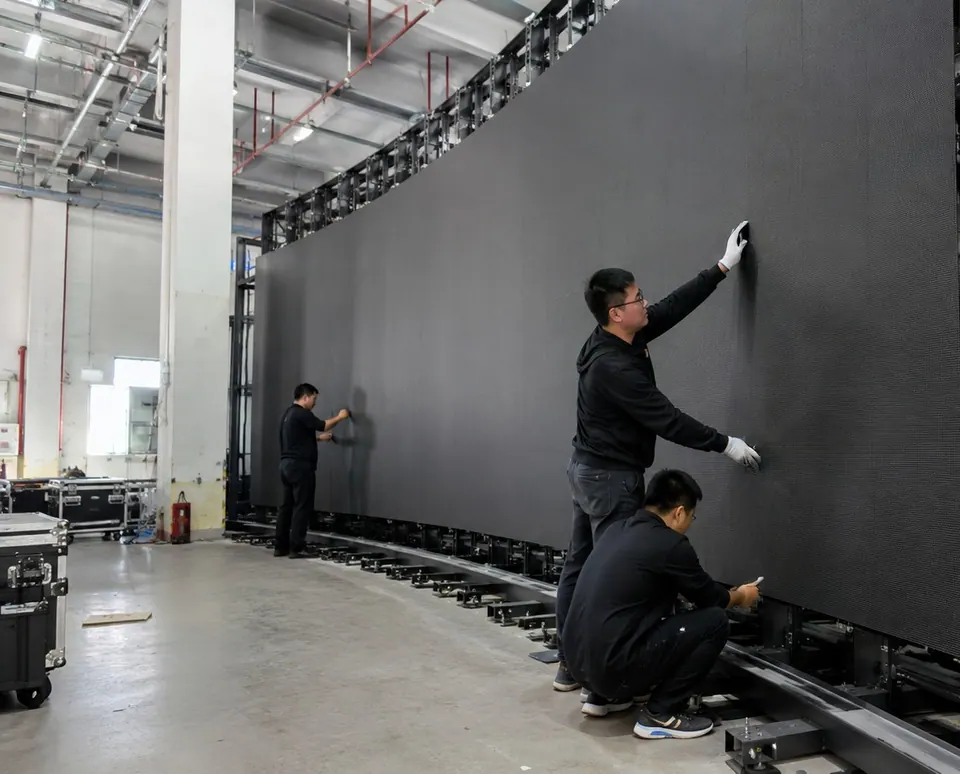
The whole screen or its key sections assembled close to the installed state to check structure, fixings and picture quality.
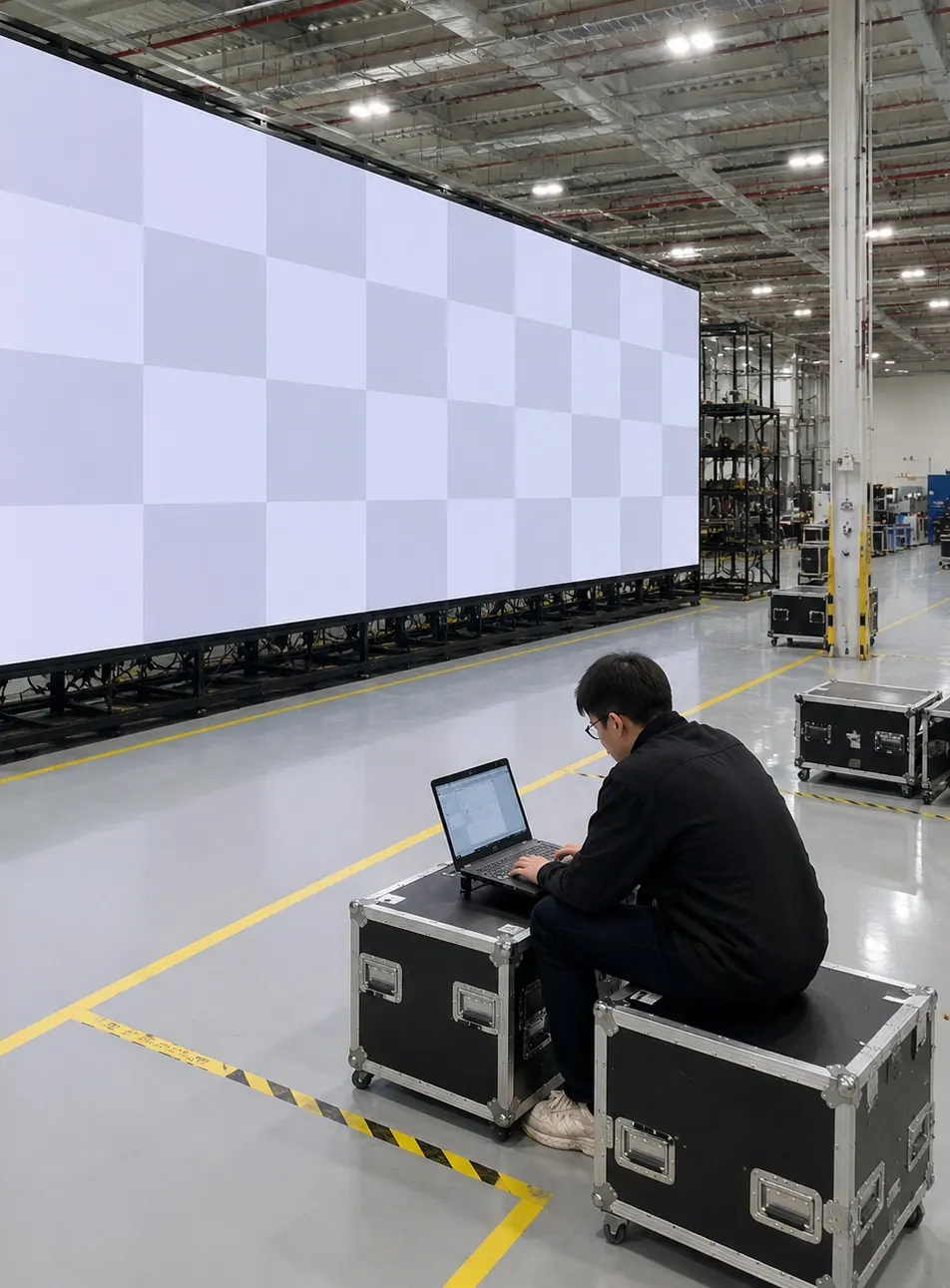
Light-up, calibration, pixel condition, signal and power configuration verified before shipment.
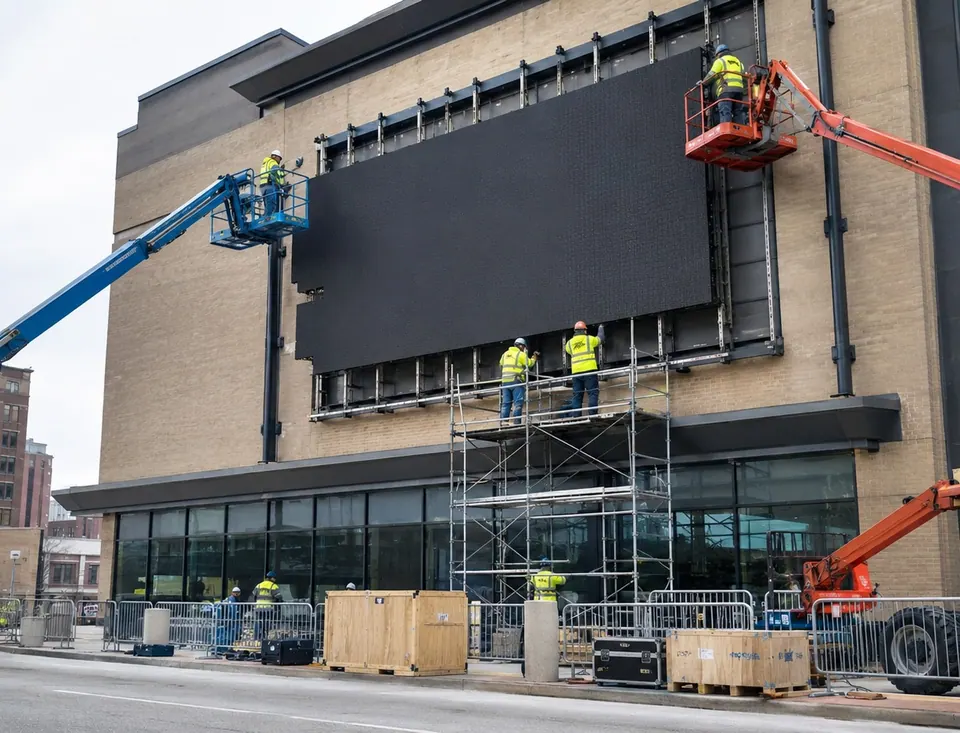
Design drawings and installation data matched to site conditions, with the technical documents the site needs.
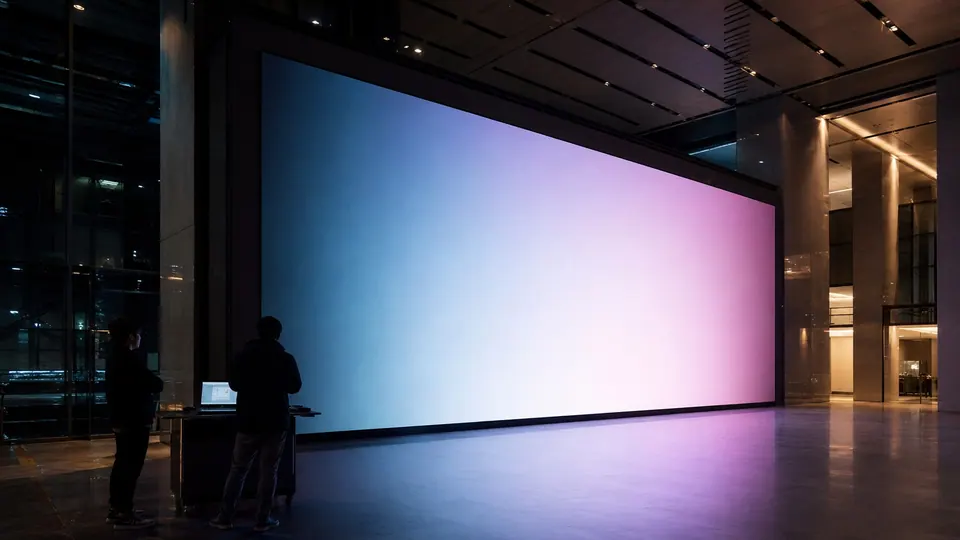
From installation support to final light-up, operator training and remote support.
A drawing, a site photo or just the form you have in mind is enough to start.